

Canceling a gym membership can often feel like navigating an endless maze of hidden policies, required paperwork, and confusing customer service loops. If you hold a Planet Fitness membership and are looking to stop your monthly dues, you are likely wondering: Can I cancel Planet Fitness online, or do I have to show up in person?
This comprehensive, step-by-step guide walks you through every valid method to cancel your Planet Fitness membership smoothly, break down potential cancellation fees, highlight loop-hole solutions depending on your location, and answer the most frequent questions members encounter.
The Reality: Can You Cancel Planet Fitness Online?
The short answer is: it depends on your region and local laws.
Historically, Planet Fitness maintained a strict, company-wide policy requiring all cancellations to be processed either in person at your home club or via a certified letter mailed directly to your home club.
However, recent consumer protection laws and franchise policy updates have opened up online cancellation avenues for many members:
- Location-Specific Online Cancellation: States like California, Vermont, and several others require subscription and membership services to allow online cancellation if registration was available online.
- App/Account Portal Rollouts: Selected Planet Fitness franchise networks now allow members to submit cancellation requests through the official Planet Fitness app or online account dashboard under specific membership tiers.
If your online portal does not present a clear cancellation button, do not worry—the traditional methods are fast and simple when you follow the exact template provided below.
Method 1: How to Cancel Planet Fitness Online or via the App
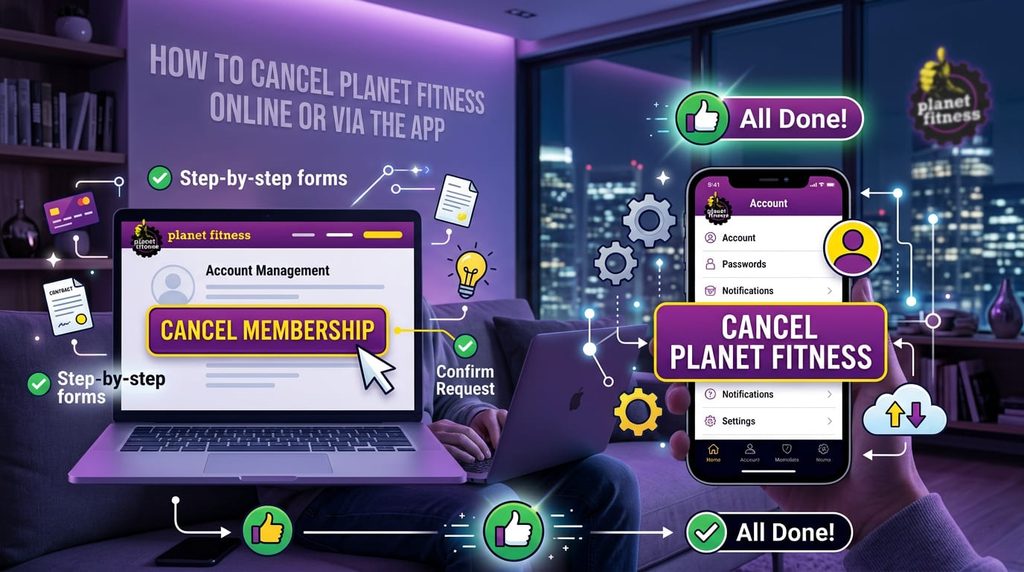
If you live in an eligible state or belong to a participating franchise location, follow these steps to cancel your membership digitally:
1.Log In to Your Account:Web Portal or Mobile App.
Navigate to the official Planet Fitness website or open the Planet Fitness mobile app on your smartphone. Log in using the email address and password associated with your membership account.
2.Navigate to Account Details:
Click on your profile icon in the upper right corner, or open the main menu and select My Account or Manage Membership.
3.Select Membership Details:
Locate the section titled Membership Details or Subscription Status. Look for an option labeled Cancel Membership or Manage Plan.
4.Follow the On-Screen Prompts:
Complete the prompt survey explaining why you are leaving, confirm your agreement to end the recurring charges, and submit your cancellation request.
5.Save Confirmation Receipt:
Always save the digital confirmation receipt, screenshot the final confirmation page, or keep the confirmation email sent to your inbox for your financial records.
Note: If your account dashboard directs you to contact your local gym or does not feature a cancellation button, your home club requires either an in-person visit or a mailed letter.
Method 2: How to Cancel Planet Fitness In-Person
Canceling in person at your home club is the fastest and most reliable way to ensure your account is closed immediately without waiting for mail delivery.
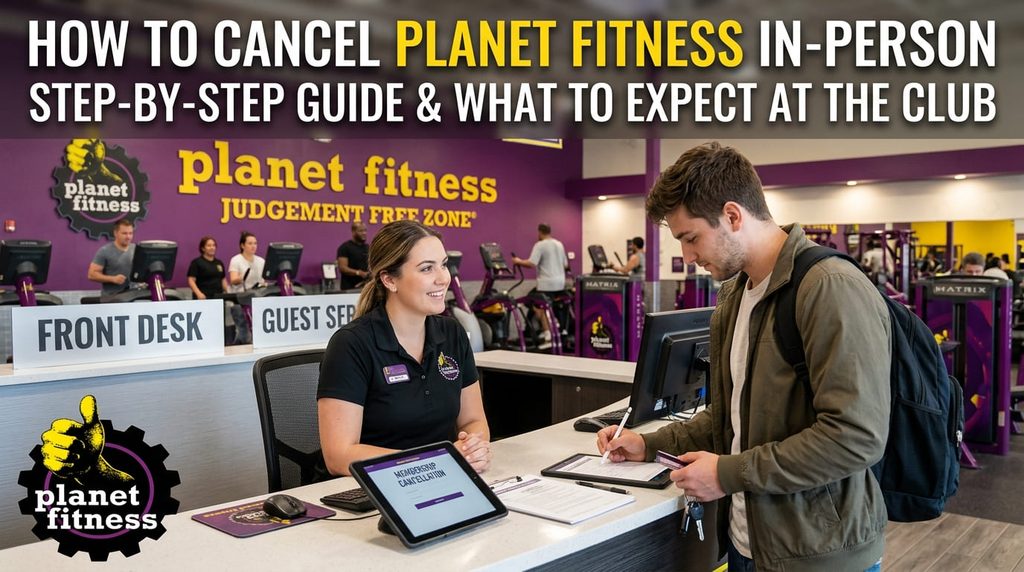
Step-by-Step In-Person Process:
- Verify Your Home Location: You must visit your designated home location (the primary club where you signed up), not just any local Planet Fitness branch.
- Bring Required Information:
- Your Planet Fitness Key Tag Barcode or Member ID (found in the mobile app).
- A valid photo ID (driver’s license or passport).
- Speak with the Front Desk Staff: Inform the customer service representative that you want to cancel your membership today.
- Sign the Cancellation Form: The staff member will print or pull up a digital cancellation agreement on an electronic pad. Read through the terms and verify that there are no pending balances.
- Request Written Proof: Before leaving the front desk, ask for a printed copy or email confirmation of your signed cancellation agreement. Do not walk away without written proof.
Method 3: How to Cancel Planet Fitness via Certified Mail

If you have moved away, cannot visit your home location in person, or do not have access to online cancellation features, mailing a certified letter is your legal backup option.
What to Include in Your Cancellation Letter:
- Full legal name and current mailing address
- Phone number and email address on file
- Planet Fitness Key Tag / Member ID number
- Date of birth
- The last 4 digits of the payment method on record
- A clear, direct statement requesting immediate cancellation of your membership
- Reason for cancellation (optional, but helpful)
- Your signature and date
Essential Mailing Rules:
- Send via Certified Mail with Return Receipt Requested: This gives you legal proof and tracking when the club receives your letter.
- Address to Your Home Club: Send the physical letter to the address of your home location, addressed to the Club Manager.
Planet Fitness Cancellation Fees & Contract Terms
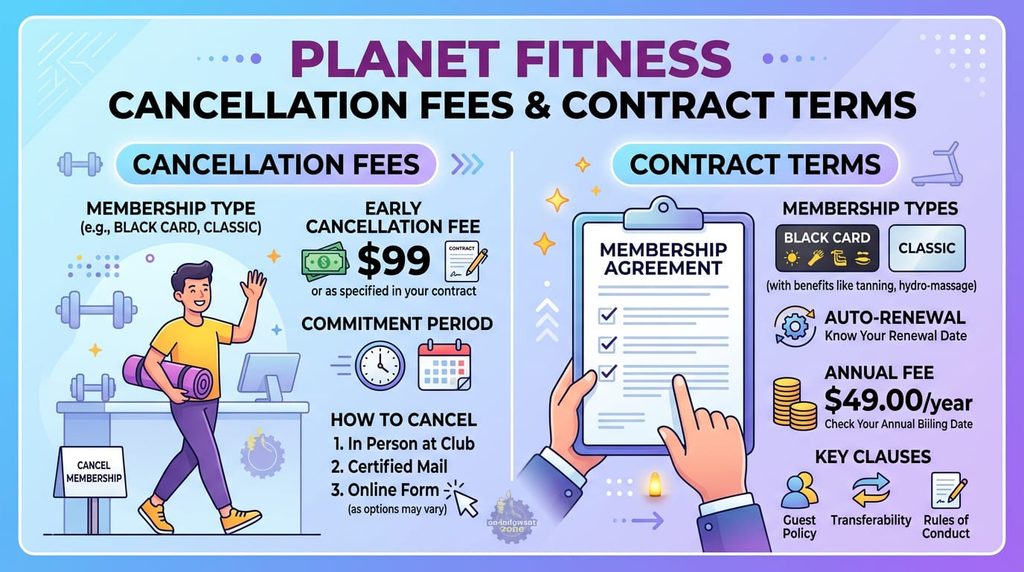
Understanding the financial rules surrounding your contract will save you from surprise charges on your credit card or bank account.
1. No-Commitment Classic Membership vs. Black Card Contracts
- Classic Membership (No Contract): If you are on a month-to-month plan, you can cancel at any time without paying a contractual buyout fee.
- 12-Month Commitment (Black Card or Classic Promo): If you cancel prior to completing your 12-month agreement term, Planet Fitness typically charges a buyout buyout fee (usually around $58).
2. The Annual Fee Deadline
Planet Fitness charges an annual fee (typically around $39 – $49) once per year. To avoid being charged this fee prior to canceling:
- You must process your cancellation before the 25th day of the month prior to when your annual fee is billed (usually billed on the 1st of the following month).
- To avoid your regular monthly billing cycle charge, submit your cancellation request by the 10th day of the month.
Comparing Planet Fitness Locations Across the USA
Whether you are relocating, traveling, or comparing gym density across major metropolitan areas, facility availability varies across the country. Below is a breakdown of 10 major US cities with Planet Fitness facilities, highlighting average local rates, Black Card perk access, and typical gym amenities:
| City / Location | Average Monthly Rate | Key Amenities | Ideal Visitor Profile |
| New York City, NY | $15 – $25/mo | 24/7 Access, HydroMassage, Total Body Enhancement | Commuters & Urban Professionals |
| Los Angeles, CA | $15 – $25/mo | Full Free-Weight Racks, Massage Chairs, Tanning | Fitness Enthusiasts & Daily Gymgoers |
| Chicago, IL | $10 – $25/mo | HydroMassage, Spacious Cardio Zones, Locker Rooms | Year-Round Indoor Fitness Seekers |
| Houston, TX | $10 – $24.99/mo | Large Floor Layouts, Matrix Cardio Equipment | Budget-Conscious Fitness Beginners |
| Phoenix, AZ | $10 – $24.99/mo | Air-Conditioned Facilities, HydroMassage, Free WiFi | Remote Workers & Casual Trainers |
| Philadelphia, PA | $15 – $25/mo | Circuit Training Areas, Massage Chairs, Clean Lockers | Busy City Residents |
| San Antonio, TX | $10 – $24.99/mo | Expanded PF360 Functional Training, Tanning Beds | General Fitness & Strength Trainers |
| San Diego, CA | $15 – $25/mo | Outdoor/Indoor Transition Layouts, HydroMassage | Active Lifestyle & Cardio Fans |
| Dallas, TX | $10 – $24.99/mo | 24/7 Operations, Modern Locker Rooms, Red Light Therapy | Night-Shift & Flexible Schedule Workers |
| Miami, FL | $15 – $25/mo | High-Capacity Cardio Floor, HydroMassage, Tanning | Coastal Travelers & Local Residents |
Important Tips to Ensure Smooth Cancellation
- Check Your Bank Account: Keep an eye on your statement for 30–60 days after canceling to verify no lingering fees appear.
- Resolve Unpaid Balances: You cannot process a membership cancellation if you have overdue charges or returned payment fees on your account. Clear the balance first.
- Freeze Option: If you are injured, traveling temporarily, or facing a short-term financial hurdle, ask your home club about freezing your account for up to 3 months instead of canceling entirely.
Frequently Asked Questions (FAQs)
Can I cancel Planet Fitness over the phone?
No. Planet Fitness official policy strictly prohibits taking cancellation requests over the telephone due to verification and signature requirement security protocols.
What happens if I move away from my home club?
If you move more than 25 miles away from your home club and there is no other Planet Fitness nearby, you can mail a certified letter with proof of address change (such as a utility bill or lease agreement) to waive potential contractual buyout fees.
How long does a cancellation take to process?
In-person cancellations take effect immediately, though recurring billing updates may take up to 7 business days to process through your financial institution. Certified mail cancellations take effect once received and processed by club management.
Summary Checklist
- Check your account online or on the app to see if digital cancellation is supported in your state.
- If online cancellation is unavailable, visit your home location in person with a valid ID and request a signed receipt.
- If living far away, send a certified letter with return receipt requested to your home club manager.
- Keep all confirmation documentation until you verify no further charges appear on your bank statements.