
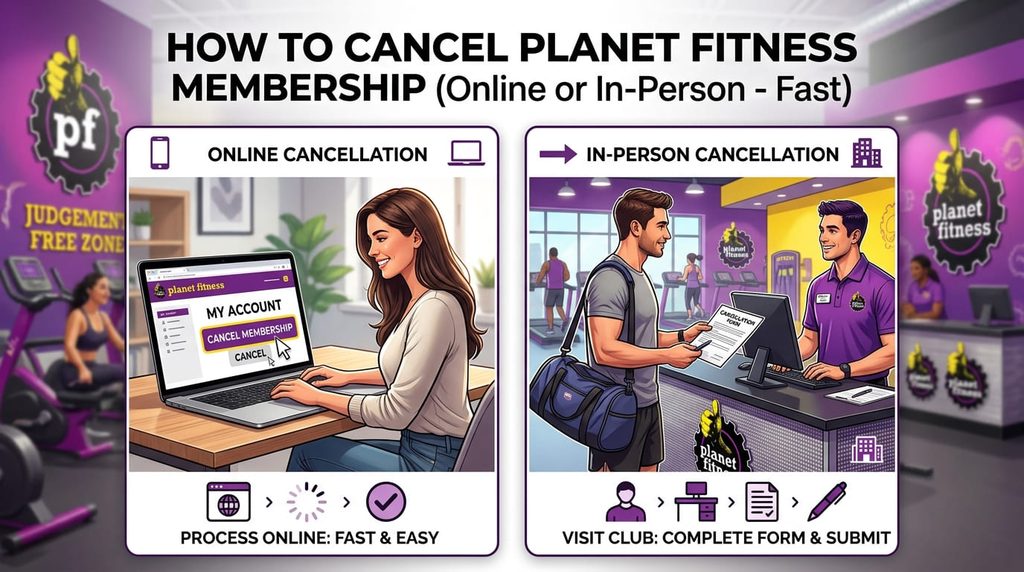
Canceling a gym membership can sometimes feel like solving a complex puzzle. Planet Fitness is well-known for its affordable rates and “Judgement Free Zone” atmosphere, but when it comes time to end your contract, many members encounter unexpected hurdles.
If you are wondering how to cancel a Planet Fitness membership online or in-person quickly—and without getting hit by surprise fees—this complete guide breaks down every method step-by-step.
Key Rules Before You Cancel
Before choosing a cancellation method, keep these financial rules in mind:
- The Monthly Fee Deadline: You must submit your cancellation request by the 10th of the month to avoid being billed for the upcoming month.
- The Annual Fee Deadline: Planet Fitness charges an annual fee (typically around $39 to $49). To avoid paying it, submit your written cancellation by the 25th of the month prior to your annual billing date.
- Early Termination (Buyout) Fees:If you signed a 12-month Classic plan and cancel before your commitment ends, you may owe an early buyout fee—usually $58. Black Card memberships generally run month-to-month and do not carry early termination fees.
Method 1: Cancel In-Person (Fastest & Most Reliable)
Visiting your home club in person is the fastest way to cancel your Planet Fitness membership.It guarantees instant processing and provides a physical paper trail.

Steps to Cancel In-Person:
- Find Your Home Location: Go to the specific branch where you signed up (or transferred your account).
- Bring Required Details:Bring a photo ID (driver’s license) and your Planet Fitness Key Tag / Membership ID number.
- Request the Form:Walk up to the front desk and tell the representative you want to submit a membership cancellation form.
- Fill and Sign: Complete the short physical form.
- Get Proof in Writing:Ask for a signed copy of your cancellation receipt before leaving.Keep this document until you verify that no further charges appear on your bank statements.
Method 2: Cancel Online (For Eligible Locations)
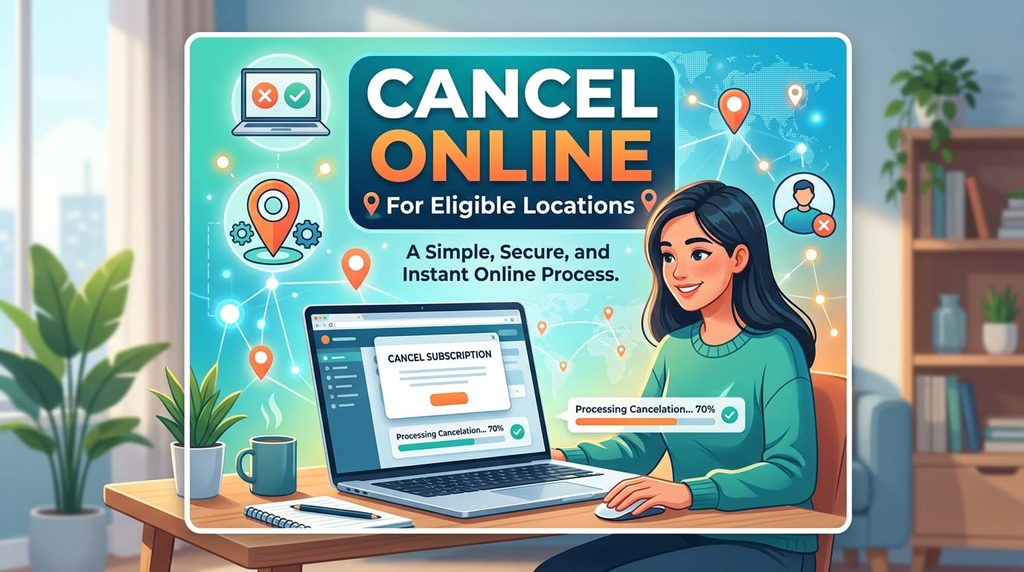
While corporate policy officially states that cancellations must be done in person or via certified mail, select franchised locations allow direct online cancellations through the member portal.
How to Check if Online Cancellation is Available:
- Navigate to the official Planet Fitness Member Portal (
planetfitness.com) or open the Planet Fitness Mobile App. - Log into your account using your email and password.
- Go to Account Settings or Membership Details.
- Look for an option that says Manage Membership or Cancel Membership.
- If eligible, follow the on-screen prompts to confirm.
Note: Online cancellation is heavily dependent on state regulations and local franchise policies. If your portal only displays phone numbers or contact addresses, you must use Method 1 or Method 3.
Method 3: Cancel via Certified Mail (If You Can’t Visit in Person)
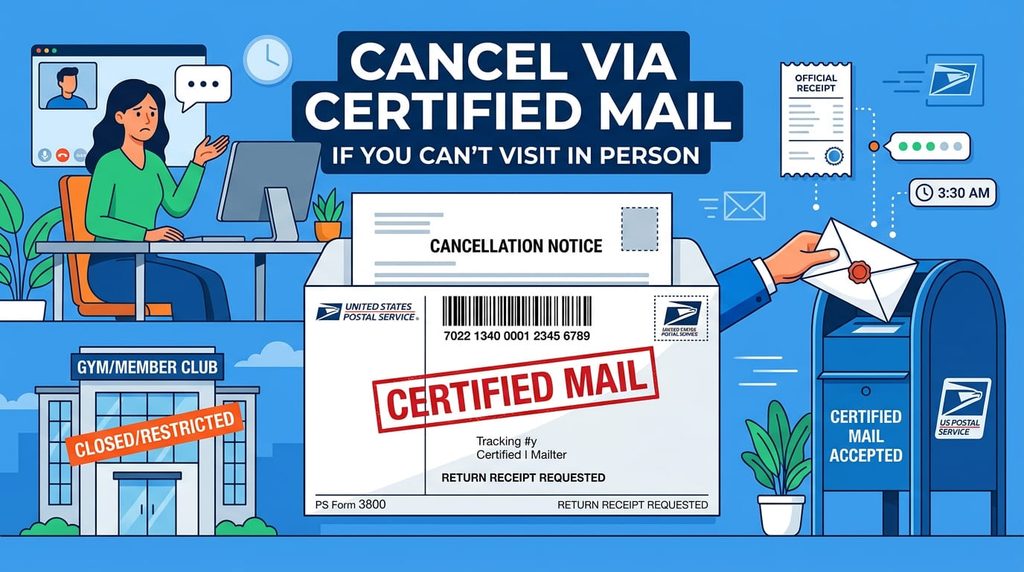
If you have moved, fallen ill, or cannot visit your club physically, sending a written cancellation letter via USPS Certified Mail with Return Receipt Requested is the most legal, trackable alternative.
What to Include in Your Cancellation Letter:
- Full legal name and birthdate
- Planet Fitness Membership ID number
- Current mailing address, phone number, and account email
- A clear statement requesting immediate cancellation
- The reason for cancellation (optional, but helpful if requesting a fee waiver due to medical issues or relocation)
- Your legal signature and the date
Mail the letter directly to your home club’s address.Certified mail requires a Planet Fitness staff member to sign for delivery, giving you verifiable proof that your notice was received.
10 Best Places / Locations to Cancel Planet Fitness in the USA
Because Planet Fitness operates over 2,500 franchises across the United States, policy enforcement and facility accessibility vary across regions. The following 10 high-volume US locations feature dedicated membership services to process in-person cancellations quickly:
| # | City & State | High-Traffic Planet Fitness Location Address | Key Feature |
| 1 | New York, NY | 158 W 27th St, New York, NY 10001 | High-capacity Manhattan hub; quick front-desk processing. |
| 2 | Los Angeles, CA | 8610 S Broadway, Los Angeles, CA 90003 | California laws allow streamlined state-mandated cancellation rules. |
| 3 | Chicago, IL | 1301 W Devon Ave, Chicago, IL 60660 | Convenient Midwest location with standard front-desk services. |
| 4 | Houston, TX | 8201 Southwest Fwy, Houston, TX 77074 | Large-footprint facility equipped for rapid member intake/outtake. |
| 5 | Phoenix, AZ | 3935 E Thomas Rd, Phoenix, AZ 85018 | Central Southwest location serving high commuter volumes. |
| 6 | Philadelphia, PA | 1530 Oregon Ave, Philadelphia, PA 19148 | Highly accessible East Coast franchise branch. |
| 7 | San Antonio, TX | 6820 San Pedro Ave, San Antonio, TX 78216 | High-volume Texas location with fast administrative turnover. |
| 8 | Orlando, FL | 5555 S Kirkman Rd, Orlando, FL 32819 | High tourist and seasonal relocation hub; handles frequent account updates. |
| 9 | Atlanta, GA | 2480 Briarcliff Rd NE, Atlanta, GA 30329 | Major Southeast hub with dedicated customer desk management. |
| 10 | Dallas, TX | 2525 Inwood Rd, Dallas, TX 75235 | Highly rated staff response times for membership adjustments. |
Smart Hacks to Avoid Fees or Skip the In-Person Visit

- Transfer Your Home Club Location First: If you live far away from your original home club, log into the Planet Fitness app and transfer your home club to a location near your current address (or a state like California that permits online cancellation). Once transferred (usually after a 90-day waiting period depending on account status), you can cancel at the new branch.
- Freeze Your Account Temporarily: If you are injured, traveling, or experiencing short-term financial hardship, ask staff to freeze your account. You won’t be charged monthly dues while frozen.
- Medical or Relocation Fee Waivers: If you move more than 25 miles away from any Planet Fitness location or have a medical condition preventing exercise, present proof (a doctor’s note or utility bill at your new address) to have your $58 buyout fee waived.
How to cancel Planet Fitness membership online?
Official rule: Planet Fitness requires cancellations to be done in person at your home club or via certified mail, as most locations do not support direct online cancellations.
However, if you want to skip the gym visit, here are the most effective ways to cancel online or remotely:
Method 1: Check Your Planet Fitness Online Portal
Certain locations (and specific states like California) permit online cancellations due to local consumer laws.
- Log into your account at planetfitness.com or open the Planet Fitness App.
- Navigate to Account Settings$\rightarrow$Membership Details.
- Look for a Manage or Cancel Membership link.
- Follow the prompts to submit your request.
Method 2: Transfer Your Home Club (Online Workaround)
If your current location doesn’t allow online cancellation, you can transfer your account to a state that mandates online cancellation (e.g., California).
- Go to your member portal at planetfitness.com.
- Select Transfer Club and enter a California zip code (e.g.,
90001). - Confirm the transfer (your account must be in good standing and open for at least 90 days).
- Once transferred, reload your dashboard—the Cancel Membership button will appear in your settings.
Method 3: Send an Online Certified Mail Service
If you cannot visit in person, use an online certified mail provider (such as OnlineCertifiedMail.com or DoNotPay) to send a signed cancellation letter without visiting a post office.
Include the following details in your letter:
- Full Name & Date of Birth
- Planet Fitness Membership ID Number
- Email & Billing Address
- A clear statement: “I am requesting an immediate cancellation of my Planet Fitness membership.”
Important Billing Rules
- Avoid Monthly Fees: Cancel before the 10th of the month.
- Avoid Annual Dues:Cancel by the 25th of the month prior to your annual billing date.
- Commitment Plans:Early cancellation on 12-month agreements carries a $58 buyout fee.
Final Checklist After Canceling
- [ ] Obtain a copy of the signed cancellation receipt or written email confirmation.
- [ ] Monitor your bank or credit card account for 30–60 days to verify no lingering charges occur.
- [ ] Remove saved payment options from the Planet Fitness portal once your account status reflects fully canceled.
Can I cancel Planet Fitness without going in person?
Yes, you can avoid going in person by sending a certified letter with your signed cancellation request to your home club.
Alternatively, some locations allow you to cancel online through their website, but cancellations by phone or email are generally not accepted.
Is it hard to get out of Planet Fitness?
Yes, it can be frustrating because Planet Fitness typically does not allow cancellations over the phone or by email.
Depending on your specific location, you may be required to either visit your home club in person or mail a signed, certified letter. However, some locations do permit you to cancel online through their member portal.
Can I tell my bank to stop letting Planet Fitness charge me?
Yes, you can ask your bank to issue a stop-payment order or block recurring charges from Planet Fitness.
However, doing so does not officially cancel your contract. Planet Fitness may continue to accumulate unpaid balances, add late fees, and eventually send the account to a collections agency. It is safer to officially cancel your membership first (either in person or via certified mail) before dealing with your bank.